Choosing the Right Smart Lock for Rentals: 2026 Guide
Choosing the right smart lock for rentals means matching access, codes, and compatibility to your property. Here's how hosts and managers get it right.

Table of Contents
- Start With Your Rental Type, Not the Lock
- The Best Smart Locks for Vacation Rentals: What Actually Matters
- Temporary Access Codes for Guests: Scheduling, Turnover, and Revoking
- Smart Lock Installation and Compatibility With Your Existing Door
- Smart Lock Access Management for Property Managers
- Total Cost of Ownership: Purchase, Installation, and Subscriptions
- When the Connection Fails: Backup Access and Lockout Planning
- Privacy, Consent, and Cybersecurity for Tenants and Guests
- Frequently Asked Questions
Last Updated: October 19, 2026
Start With Your Rental Type, Not the Lock
Choosing the right smart lock for rentals starts with one question: who holds the keys, and how often do they change? At Homestay Getaway, we run self check-in across our homes, so we think about this decision every time we add a property.
Get the rental type wrong and you overspend on features you'll never use, or you buy a lock that fails the first time a guest arrives at midnight.
Here's the short version:
- Short-term rental: Priority Features: Temporary codes, remote unlocking, entry log; Skip These: Z-Wave hubs, complex automation
- Long-term rental: Priority Features: Durability, physical key backup, low-battery alerts; Skip These: Guest turnover scheduling
- Multi-property portfolio: Priority Features: Centralized access management, audit trail; Skip These: Standalone app-only locks
A vacation rental lives on guest turnover. A long-term unit lives on reliability and tenant privacy. Those are different products.
Watch Out
Buying a Wi-Fi lock for a property with weak internet is the most common mistake we see. When the router drops, app-only access drops with it. Always confirm a keypad or physical key works without a connection.
The Best Smart Locks for Vacation Rentals: What Actually Matters
The best smart locks for vacation rentals prioritize remote access and code management over everything else. Guests arrive at unpredictable hours, cleaners need entry between stays, and you may be managing the property from another state. A lock that requires you to be on-site is the wrong lock.
Three capabilities separate a rental-grade lock from a consumer gadget:
- Remote code creation so you never drive over to hand off a key
- Scheduled access so a cleaner's code expires before the next guest arrives
- An entry log so you can confirm who came in and when
Everything else is a bonus.
Access Methods Compared: Keypad, App, Bluetooth, Wi-Fi, and Z-Wave
Each access method trades convenience against dependence on something outside your control.
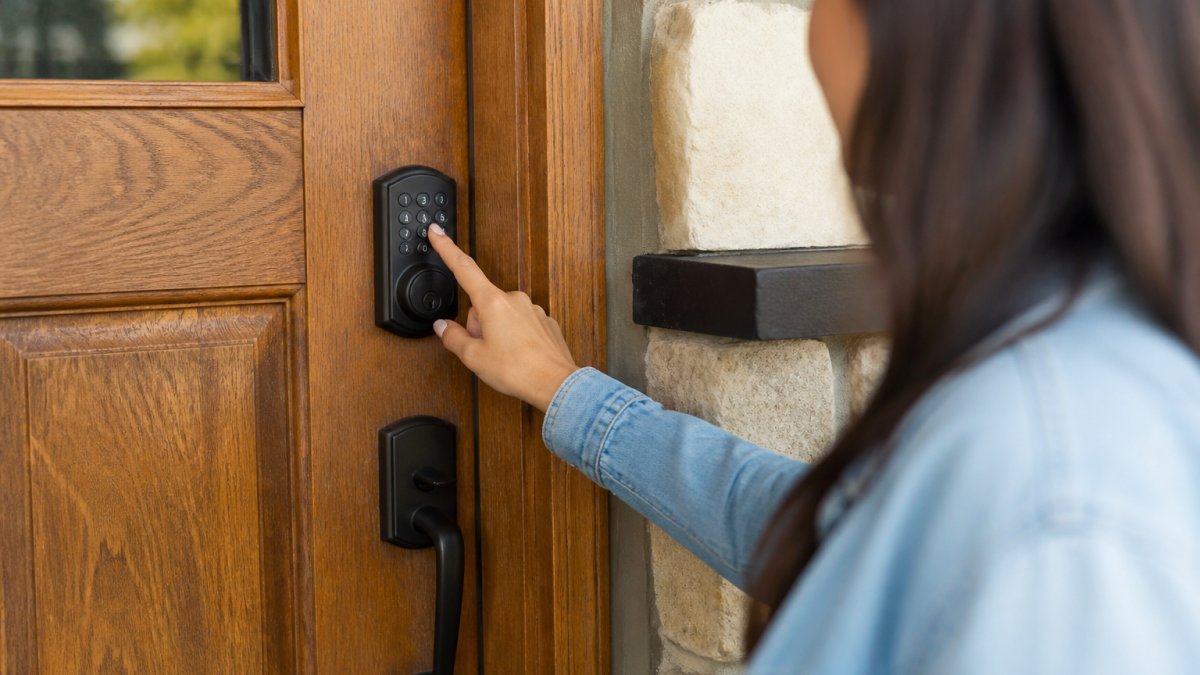
- Keypad: Works without a phone or internet. Best for guest access and backup entry.
- Mobile app: Convenient for owners and property managers. Useless if the phone dies.
- Bluetooth: Local-only connection, no Wi-Fi needed. Limited range means you must be nearby.
Most rental properties work best with a keypad plus Wi-Fi combination. The keypad handles guests and outages; Wi-Fi handles remote management.
Pros and Cons of the Main Lock Categories
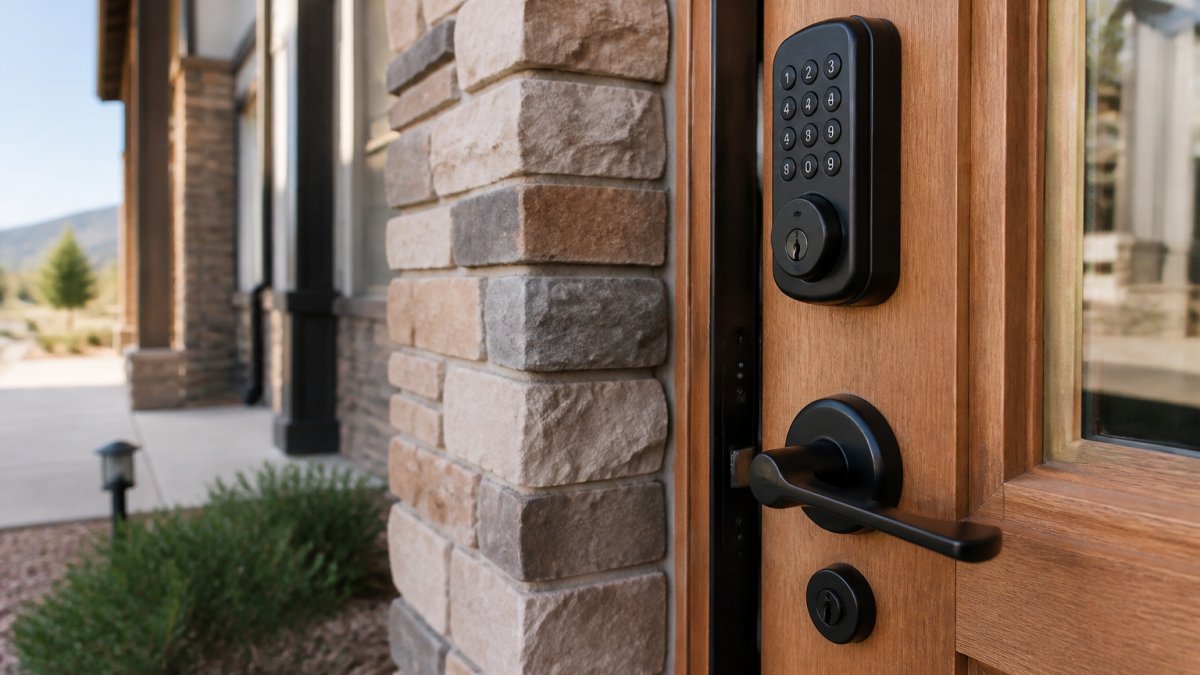
Keypad deadbolt
- Pros: No phone needed, reliable, familiar to guests
- Cons: Codes can be shared, so you must rotate them between stays
Wi-Fi smart lock
- Pros: Remote unlocking, real-time alerts, entry logs
- Cons: Fails when internet fails; needs a strong signal at the door
Bluetooth-only lock
- Pros: Lower cost, no network dependency
- Cons: No remote access, awkward for out-of-town owners
Z-Wave lock
- Pros: Deep property-management system integration, strong battery life
- Cons: Needs a hub, steeper setup, less guest-friendly
Pro Tip
Whatever category you pick, confirm the lock supports a physical key override. It's the one feature that saves you when batteries die and the network is down at the same time.
Temporary Access Codes for Guests: Scheduling, Turnover, and Revoking
Temporary access codes are the core of short-term rental security.
Set codes in three tiers:
- Guest code: Active only for the booked stay, unique per reservation.
- Cleaner code: Recurring window between checkout and next check-in.
- Owner or manager code: Permanent, kept private, used for maintenance.
Revoke guest codes the moment a stay ends. If a guest checks out early or a booking is canceled, don't wait for the schedule to catch up.
For turnover, align code windows with your cleaning schedule so a cleaner's code never overlaps a guest's. A single shared "master" code for everyone is the fastest way to lose track of who entered when.
Smart Lock Installation and Compatibility With Your Existing Door
Smart lock installation and compatibility come down to your existing door hardware, and the difference between a 20-minute swap and a ruined door is whether you measured before you ordered. Most smart deadbolts are designed to retrofit onto a standard door prep, but "standard" hides several variables you need to confirm.
The Four Measurements That Decide Fit
Before you buy, take these measurements and keep them with the listing:
- Door thickness: Most residential exterior doors are 1-3/8 inches or 1-3/4 inches. Check the lock's spec sheet for its supported range; a lock built for 1-3/4-inch doors may not clamp securely on a thinner interior door.
- Backset: This is the distance from the edge of the door to the center of the bore hole. The two common residential backsets are 2-3/8 inches and 2-3/4 inches. Many smart locks ship with an adjustable latch that handles both, but confirm it before ordering.
- Cross-bore diameter: The hole through the face of the door is typically 2-1/8 inches. A lock designed for that bore will drop in; a lock that needs a smaller or larger hole means drilling.
A lock that is slightly too large for the bore hole means drilling, and a rental property may not allow that without owner approval. Measure before you order, and keep the original mechanical lock so you can swap back if needed.
Rental-Specific Installation Constraints
Installation on a rental adds constraints a homeowner never faces:
- Reversibility: Choose a lock that uses the existing door prep and screws into the existing strike plate. If installation requires enlarging the bore or moving the deadbolt, get written owner approval first and plan to restore the door at move-out.
- Deadbolt vs. knob latch: A smart deadbolt replaces an existing deadbolt. If the door has only a knob latch and no deadbolt, you are adding a new hole, which is a bigger conversation with the owner.
- Strike plate alignment: The bolt must extend into the strike plate on the frame. A misaligned strike is the most common cause of a lock that installs fine but jams when the door swells in humid weather.
Most units install in under an hour with a screwdriver and the included template. The bigger risk is fit, not effort.

Key Takeaway
Compatibility is a measurement problem, not a brand problem. Door thickness, backset, cross-bore diameter, and door-edge bore decide whether a lock fits, regardless of price. Measure all four, keep the original lock, and get owner approval before any drilling.
Smart Lock Access Management for Property Managers
Smart lock access management for property managers means one dashboard instead of a dozen apps, but the right setup depends on how many doors you actually manage. A single-unit owner and a manager overseeing 40 units need different answers, and most guides skip that distinction. Here is a decision framework by portfolio size.
Single Unit: Keep It Simple
With one rental, the lock's own app is usually enough. Prioritize:
- Remote code creation and revocation
- An entry log you can check from your phone
- Low-battery alerts
Avoid paying for a property-management platform you will not use. A standalone lock with free remote access covers a single unit without subscription overhead.
Small Portfolio (Roughly 2-10 Units): Standardize Early
The trap at this size is buying a different lock for every property and ending up with five apps. Standardize on one lock family so every unit behaves the same way. Look for:
- A single account that groups properties
- Per-unit entry logs
- Role-based access so cleaners and maintenance see only the units they serve
At this size, a light property-management integration pays for itself by removing the manual step of updating codes for every booking. Without integration, you are doing the same work twice.
Large Managed Portfolio: Integration Is the Product
Above roughly 10 units, the lock is no longer the product; the integration is. The questions shift to:
- Does the lock integrate with your property-management system? Integration means a booking creates a guest code automatically and checkout revokes it, with no manual step.
- Can you audit access across every unit from one place? A centralized audit trail is what lets you answer "who entered unit 12 last Tuesday" without calling the cleaner.
- How are roles and offboarding handled? When a cleaner leaves, removing them from one dashboard should revoke access everywhere. If it does not, you have a security gap.
Operational Trade-Offs to Weigh
- Standalone app vs. platform: Standalone is cheaper and simpler; a platform costs more but removes manual work at scale.
- Cloud-dependent vs. local-first: Cloud features enable remote management but fail when the internet fails. Confirm keypad and physical-key access work without the cloud.
- Battery and maintenance load: High-traffic doors drain batteries faster than spec sheets suggest. A platform that sends low-battery alerts before a lock dies prevents lockouts.
A property-management system that integrates with your locks removes the manual step of updating codes for every booking. The right choice is the one that matches your portfolio size today, with a clear path to the next size up.
Pro Tip
Before committing to a platform, test the offboarding path: remove a test user and confirm their access is revoked across every unit. If that takes more than one step, the platform will cost you time at scale.
Total Cost of Ownership: Purchase, Installation, and Subscriptions
Total cost of ownership runs well past the purchase price. Budget for the lock, installation (if you don't DIY), and any subscription fee for remote access or cloud features. Some locks bundle remote access free; others charge monthly for the app features that make remote management possible.
The costs that surprise owners:
- Subscription fees that only appear after the free trial
- Battery replacement on high-traffic doors, which drains faster than spec sheets suggest
- Replacement locks if a unit fails and the model is discontinued
Add these up over three years before you commit. A cheaper lock with a mandatory subscription can cost more than a pricier one with free remote access.
When the Connection Fails: Backup Access and Lockout Planning
A lockout plan is not optional equipment. Every smart lock will eventually lose power, lose Wi-Fi, or glitch. The question is whether your guest stands outside or gets in.
Build three layers of backup:
- Physical key: Kept in a secure lockbox or with a local contact.
- Keypad code: Works without internet or a phone.
- Local contact: A cleaner or neighbor with a key and instructions.
Test the backup path before every busy season. A lockbox with a dead battery or a code nobody remembers is worse than no plan at all. For self check-in properties, we always confirm the keypad works and the backup key is reachable before a guest arrives.
Watch Out
Never rely on a single access method for a rental. If the only way in is the app, a dead phone or dropped connection becomes a lockout, and lockouts become refunds and bad reviews.
Privacy, Consent, and Cybersecurity for Tenants and Guests
Privacy rules differ sharply between short-term guests and long-term tenants. A vacation guest expects a code that expires at checkout.
For long-term rentals, put access terms in the lease: when the landlord may enter, how much notice is required, and who holds codes.
On the cybersecurity side, treat the lock like any connected device:
- Change default admin passwords immediately
- Use unique codes, never shared across units
- Remove former tenants and cleaners from access lists promptly
Guests and tenants are handing you trust when they use your lock. Handle their access data the way you'd want yours handled.
Frequently Asked Questions
What is the best smart lock for a rental unit?
There is no single best model, but the strongest picks share four traits: a keypad for code entry, a physical key backup, offline code storage so guests can still get in without Wi-Fi, and a battery that lasts months with a low-battery alert. Match the lock to your rental type first. A short-term rental with high guest turnover benefits most from scheduled temporary codes and remote unlocking, while a long-term unit may only need keyless entry and a simple entry log. Check door compatibility before buying, since deadbolt bore holes and door thickness vary.
How can hosts give guests temporary access codes?
Most smart locks let you create a code with a start and end time, so it activates before check-in and stops working at checkout. Set the window slightly wider than the stay to cover early arrivals and late departures, then let the code expire automatically rather than deleting it manually. For back-to-back bookings, stagger codes so one guest's window ends before the next begins. Keep a separate permanent code for cleaners and maintenance, and review the entry log after each turnover to confirm only expected codes were used.
Can a smart lock work without Wi-Fi?
Yes. Many smart locks store codes on the device itself, so guests can unlock with a keypad even when the internet or hub is down. Bluetooth models let you manage the lock from your phone at the door, and Z-Wave locks work through a local hub. What you lose without Wi-Fi is remote unlocking and real-time entry logs. For rentals, plan for this: keep a physical key in a secure lockbox as backup access, and choose a lock that keeps codes working offline so a connectivity failure does not become a lockout.
Are smart locks a good choice for vacation rentals?
They suit vacation rentals well because they remove key handoffs, let you issue temporary access codes for guests, and give you an entry log you can check after each stay. The tradeoffs are battery maintenance, door compatibility checks, and the need for a backup access plan if the connection drops. They also raise privacy and data questions, so tell guests what the lock records and how long you keep it. If you run self check-in, a keypad lock with offline codes and a physical key backup covers most of what a rental needs.
Managing access across multiple rentals gets complicated fast, and a single lockout can undo a season of good reviews. Homestay Getaway handles self check-in for every property, with spacious, pet-friendly homes and fast Wi-Fi so arrival is the easy part of the trip. Reserve instantly and let us take care of the door.