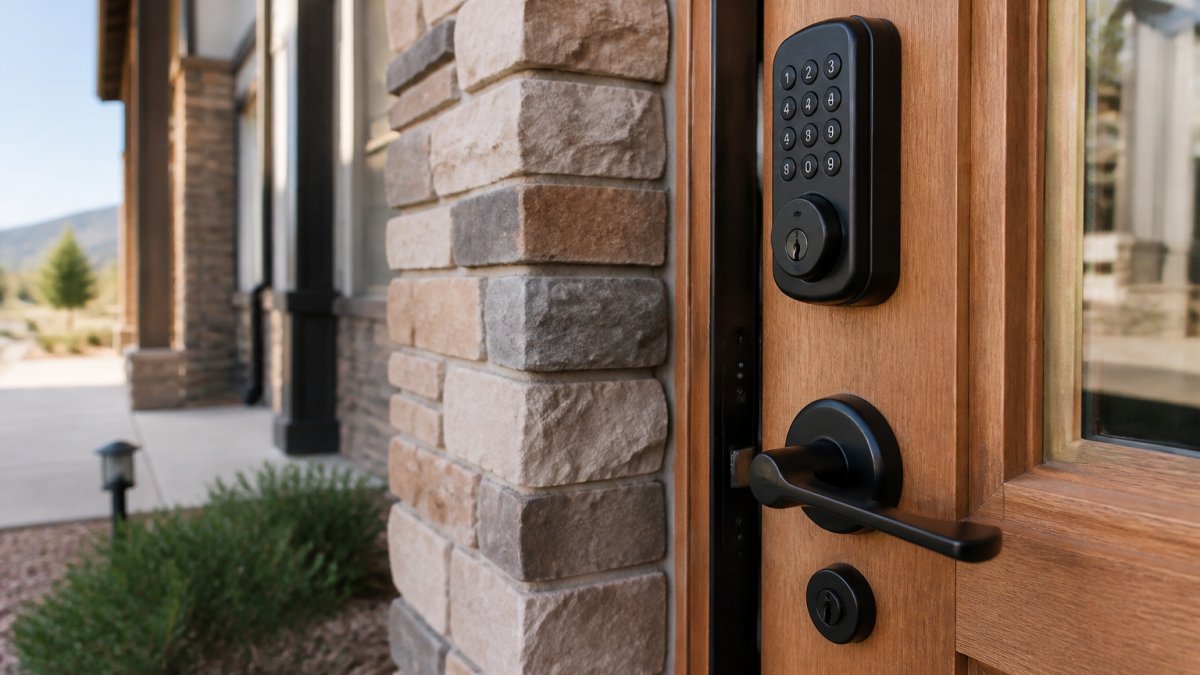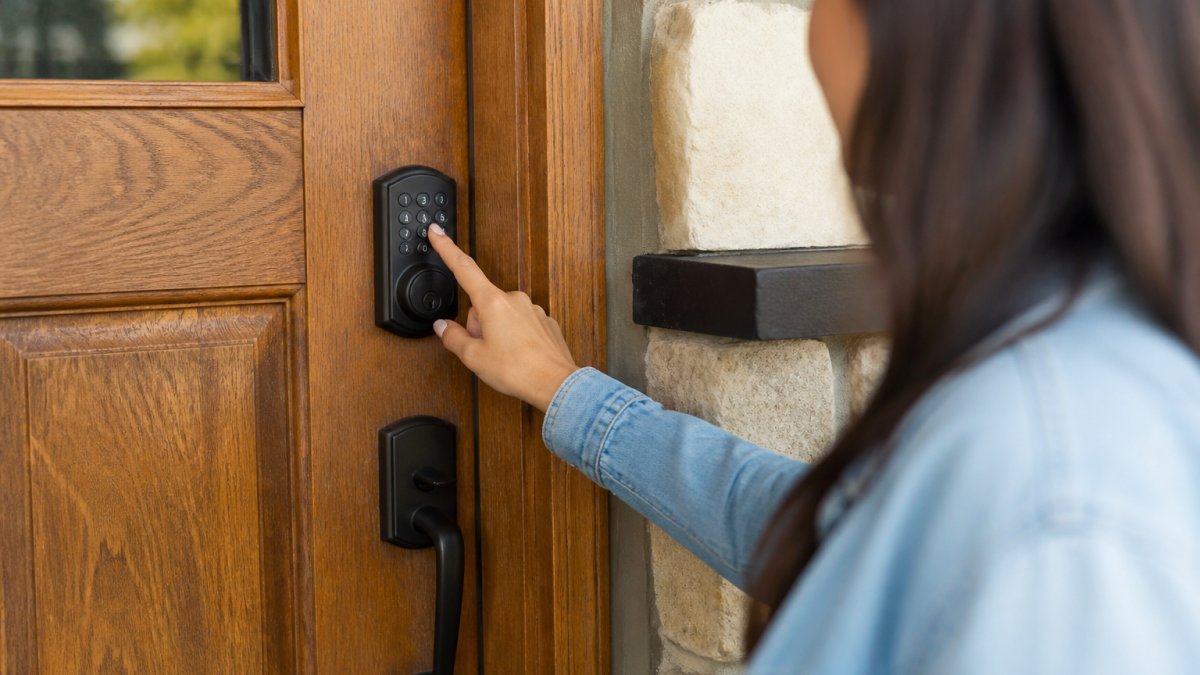
How to Create Secure Guest Access Codes: 2026 Guide
Learn how to create secure guest access codes for vacation rentals. Compare temporary door codes, smart lock access, and Wi-Fi password best practices.

Table of Contents
- Why Secure Guest Access Codes Matter for Your Rental
- Step 1: Choose the Right Access Code Type
- Step 2: Create Temporary Door Codes for Guests
- Step 3: Set Up Smart Lock Guest Access
- Step 4: How to Share Door Codes with Guests Securely
- Step 5: Guest Wi-Fi Password Best Practices
- Step 6: Revoke, Rotate, and Review Access After Checkout
- Common Mistakes to Avoid with Guest Access Codes
- Frequently Asked Questions
Last Updated: October 18, 2026
Why Secure Guest Access Codes Matter for Your Rental
A guest access code is a short numeric or alphanumeric sequence that unlocks a door, gate, or Wi-Fi network for a set period.
At Homestay Getaway, we've set up self check-in across our Colorado Springs rentals, and the code is the part guests actually touch.
The throughline: a secure guest access code is not a password you set and forget.
Below, we'll walk through the six steps we use, plus the mistakes that cause most lockouts and most security headaches.
Step 1: Choose the Right Access Code Type
The right code type depends on three things: how many people need access, how long each needs it, and whether your lock can schedule and revoke codes on its own. Decide this platform-neutral first, the same three credential models apply to a smart lock, a Wi-Fi guest network, or a building entry system.
The three credential models
| Model | How it works | Best for | Security trade-off |
|---|---|---|---|
| One-time code | Valid for a single unlock or a very short window, then dead | Deliveries, cleaners, a single late arrival | Guest cannot re-enter; you must issue a new code for each entry |
| Per-guest code | Unique code tied to one person or booking, active only for set dates | Vacation rentals, offices with recurring visitors, event staff | Requires a lock or system that supports scheduling and named users |
| Shared code | One code for everyone, changed manually | A single unit with low turnover and a hands-on host | Weakest model: every past holder keeps a working key until you rotate |
A per-guest code is the sweet spot for most rentals and small offices. Each booking gets its own number, it dies at the end of the window, and you never have to remember to change it.
Shared codes are the most common choice and the most common mistake. If the same code opens your door for a year, every past guest still has your key.
Match the model to the use case
- Short-term rental with a smart lock: per-guest code, scheduled from a few hours before check-in to checkout. One-time codes for cleaners and maintenance.
- Home with a Wi-Fi guest network: a rotating guest password or timed guest pass rather than a permanent shared password. The router, not the door, is the access point.
- Office with visitors and contractors: per-guest codes with named users and access logs, plus a separate one-time code for deliveries.
The questions that decide it
Answer these five questions before you pick a model:
- Can the lock or system issue a code with a start and end time without you touching it?
- Can you see who used which code, and when?
- Can you revoke a single code remotely without affecting anyone else?
- Does the system keep a log you can review after checkout?
- Is there a backup entry method if the code fails?
No to questions 1-3 means you're limited to shared codes and manual rotation, plan your rotation schedule accordingly. Yes to all five means per-guest codes are the default, with one-time codes for edge cases.
Step 2: Create Temporary Door Codes for Guests
Temporary door codes for guests have a defined active window: you set a start and end time, and the lock handles the rest.
Follow these steps:
- Open your lock's app or web dashboard.
- Select your property and the door you want to program.
- Choose "Add code" or "Create access."
- Set the start time to a few hours before check-in.
- Set the end time to checkout time, or a bit later if you allow late departures.
- Assign the code to the guest's name or booking ID.
- Save, then test the code yourself before the guest arrives.
A common mistake is setting the code to go live at the exact check-in minute. Guests and flights arrive early.
Keep codes short enough to type on a keypad but long enough to resist guessing. Four digits is the floor. Six is better.
Step 3: Set Up Smart Lock Guest Access
Smart lock guest access is the feature set that lets you issue, schedule, and revoke codes remotely. Not every lock handles it the same way, so setup is part capability check and part verification, a lock that looks right in the app is worthless if it fails at the door.
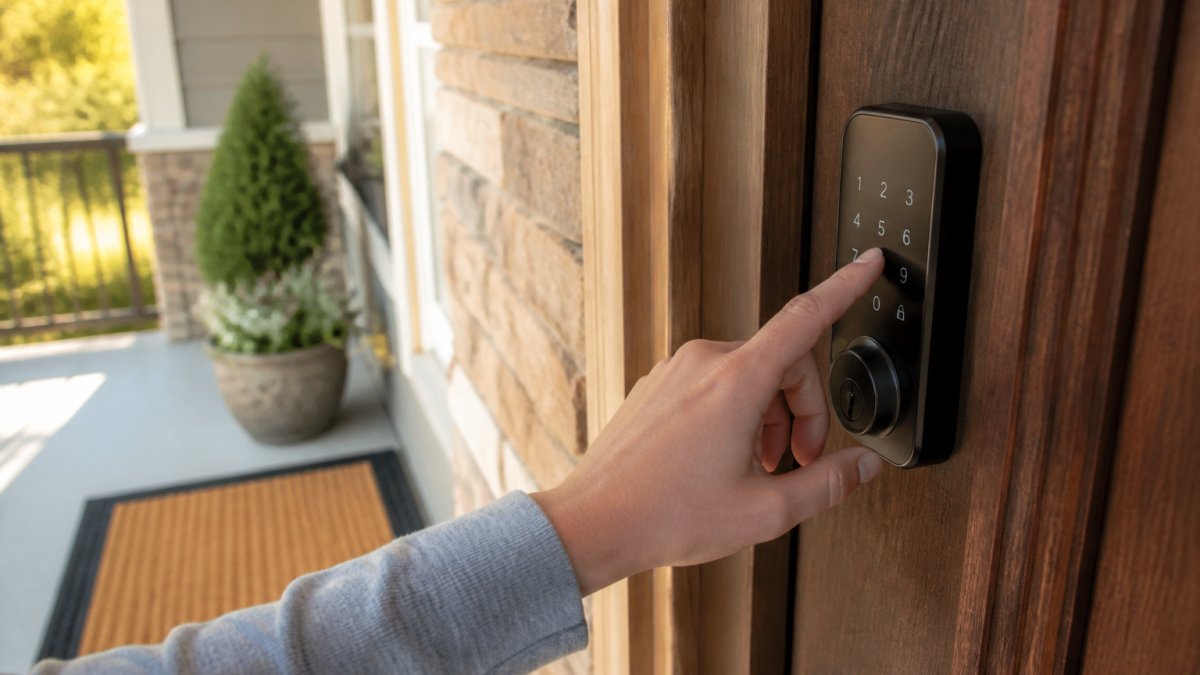
Capabilities to confirm before you buy
Look for a lock that offers all of the following, and confirm each one in the product documentation rather than the marketing page:
- Scheduled codes with a start and end time, so you don't have to be awake at check-in
- Named users so the access log shows who used which code
- Remote revocation so you can kill a single code from your phone without touching the others
A lock that checks every box on paper can still fail the offline test. Read the manual for how scheduled codes behave when the lock loses its network connection; some keep the schedule locally, others do not.
Connect the lock to your booking calendar
If your booking platform supports it, connect the lock so codes are generated from reservation dates. The chain looks like this:
- Reservation is confirmed in the booking platform.
- The integration creates a per-guest code with a start time a few hours before check-in and an end time at checkout.
- The code is delivered through the platform's messaging system or a guest portal.
- At checkout, the code expires automatically and the access log is available for review.
Test the whole chain once with a real reservation: create a test booking, watch the code appear, use it at the door, then confirm it stops working after the end time. A lock that works in the app but not at the door is worse than a key under the mat.
Verify the schedule and the revocation
After the first live booking, do three checks:
- Early arrival check: try the code an hour before the scheduled start. It should fail. If it works, your start time is wrong.
- Checkout check: try the code after the end time. It should fail. If it works, revocation is not firing.
- Log check: open the access log and confirm the entries match the times the guest actually used the door.
If any check fails, fix it before the next booking. A code that never expires is a permanent key, and a code that expires early is a lockout call at midnight.
When the lock and the calendar disagree
Integrations break: a reservation gets modified, a guest extends a stay, or the platform changes an API. Keep a manual override path, know how to issue and revoke a code by hand from the lock app. Write the steps down where you can find them at 11 p.m., because that's when you'll need them.
Step 4: How to Share Door Codes with Guests Securely
How you share door codes with guests matters as much as the code itself. A strong code sent in a plain text message is a weak link.
Send the code through one of these channels:
- Your booking platform's messaging system, which keeps a record
- A guest portal or welcome email sent to the address on the reservation
- A lock app invite, if the guest is willing to install it
Avoid posting codes in public reviews, group chats, or anywhere a screenshot can travel.
Time the delivery too.
For extra safety, split the information: send the address in one message and the code in another.
Step 5: Guest Wi-Fi Password Best Practices
Guest Wi-Fi password best practices follow the same logic as door codes: unique, temporary, and separate from your own network.
Set up a guest network, not your main one, it keeps visitors off your personal devices and your property's smart systems.
Then apply these rules:
- Use a password of at least 12 characters, mixing letters, numbers, and symbols
- Change the guest Wi-Fi password between stays, or use a router that issues timed guest passes
- Never reuse your door code as your Wi-Fi password
The FCC's guidance on securing your wireless network covers the basics of router security and guest network setup in plain language.
Step 6: Revoke, Rotate, and Review Access After Checkout
The final step is the one hosts skip. Revoking access is what turns a temporary code into a genuinely secure one.
Run this checklist after every checkout:
- Deactivate the guest's door code
- Confirm the code no longer opens the lock
- Rotate the shared code if you use one
Do a deeper access review monthly: pull the list of active codes and ask of each one, does this person still need access?
Least privilege is the principle: give each guest the access they need for the dates they need it, and nothing more.
The NIST guide to digital identity guidelines explains why time-limited, individually assigned credentials beat shared secrets, and the logic applies to a front door as much as a login screen.
Common Mistakes to Avoid with Guest Access Codes
Most problems come from a short list of habits.
Using the same code forever. Past guests keep working keys.
Skipping the test. Always try the code yourself before a guest does.
Forgetting to revoke. A code that never expires is a permanent key.
Sharing one Wi-Fi password with the door code. One leak compromises both.
No backup plan. Batteries die. Wi-Fi drops.
Frequently Asked Questions
How long should a guest access code remain active?
Set the code to activate at check-in time and expire at checkout, plus a short buffer of one to two hours in case of late departures. For most vacation rentals, that means a window of two to four days. Avoid leaving codes active for weeks, since a shared or leaked code stays usable until it expires. Smart locks and most keypad systems let you schedule the start and end time down to the minute, so use that scheduling instead of manual deletion.
Should I use a different access code for every guest?
Yes. A unique code per booking means you can revoke access for one guest without affecting anyone else, and you can trace which code was used if something goes wrong. Reusing a shared code across bookings makes it impossible to tell who entered when, and a code that leaks stays valid for every future guest. Generate a fresh code at booking confirmation, tie it to that reservation's dates, and retire it at checkout.
What should I do if a guest access code is shared or compromised?
Revoke the code immediately from your smart lock app or keypad admin panel, then issue a new one and send it to the guest through your usual secure channel. Check the lock's audit log for entries during the period the code was exposed. If the code also opened a Wi-Fi network or another device, change those credentials too. Document what happened and when, and review whether the code was sent through a channel that could be forwarded, such as a group text.
How do I share a door code with guests securely?
Send the code through your booking platform's messaging system or a direct guest portal rather than a group text or public review thread. Deliver it close to arrival, ideally 24 hours before check-in, so it is not sitting in an inbox for weeks. Pair the code with clear instructions for the lock and a backup contact number. If you must use email or SMS, send the code in a separate message from the property address and never include it in a listing description or welcome guide that gets forwarded.
Self check-in only feels effortless when the code behind it is built right. That's the standard we hold at Homestay Getaway: each of our Colorado Springs rentals uses per-guest codes, a separate guest Wi-Fi network, and a checkout routine that revokes access the same day. Our homes come with fast WiFi, private yards, and game rooms, so families and groups can settle in without a key handoff or a call to a host. Reserve instantly and get your arrival details before you travel.