How Self Check-In Works: Step-by-Step Guide
Learn how self check-in works for vacation rentals. Discover access methods, step-by-step instructions, and troubleshooting tips for a smooth arrival.

Table of Contents
- What Is Self Check-In?
- How Self Check-In Works: The Basic Process
- Types of Self Check-In Access Methods
- Vacation Rental Check-In Instructions: What to Expect
- Troubleshooting Rental Access Codes
- Security and Privacy Considerations
- Benefits of Self Check-In for Your Stay
- Conclusion
Last Updated: August 29, 2026
What Is Self Check-In?
Self check-in is a contactless arrival process that allows guests to access their rental property without meeting a property manager or staff member. You receive digital access credentials before arrival through a mobile app, email, or text message, eliminating the traditional front desk exchange and giving you immediate entry upon arrival.
At Homestay Getaway, we've implemented self check-in across our Colorado Springs vacation rentals to simplify the arrival experience for families, groups, and pet owners. Self check-in works through several access methods: smart locks controlled by your phone, digital keypads with temporary codes, lockboxes containing physical keys, or check-in kiosks at larger properties. Each delivers the same core benefit: you control when and how you enter without coordinating schedules with management.
How Self Check-In Works: The Basic Process
The process unfolds in five straightforward steps: book a property and receive confirmation with check-in details; the property management system syncs your reservation with the access control system; you receive your access credentials via email or app; you arrive and unlock the door; the system logs your entry and confirms successful check-in.
This automation eliminates phone calls, lobby waiting, and schedule coordination. You arrive on your schedule, not theirs.
When your reservation is confirmed, the system automatically generates temporary access credentials tied to your specific check-in date. Those credentials expire at checkout, ensuring security between guests. If you're arriving late or early, you can often request access time adjustments through the rental's mobile app or website.
Most properties send pre-arrival instructions 24 hours before check-in, including your access method, step-by-step entry instructions, WiFi details, parking information, and emergency contact numbers. Read these carefully, they contain property-specific details that generic guides won't cover.
The actual entry process takes seconds. You scan a digital key on your phone, punch in a code on a keypad, retrieve a key from a lockbox, or scan a QR code at a kiosk. The door unlocks and your stay begins.
Types of Self Check-In Access Methods
Different access methods serve different property types and guest preferences.
Smart Locks and Digital Keys
Smart locks are electronic deadbolts controlled through a mobile app on your phone. When you book, you receive an app download link and login credentials. The app displays a digital key that unlocks the smart lock when held near it.
Smart locks offer the most seamless experience, no codes to remember, no physical objects to lose. Your phone is your key. Most systems work even if your phone battery is low, though some require Bluetooth connectivity. If multiple people are on your reservation, each can receive their own digital key.
The main limitation: if your phone dies or you forget it, you'll need to call the property manager for backup access.
How to Use a Keypad Door Lock for Rentals
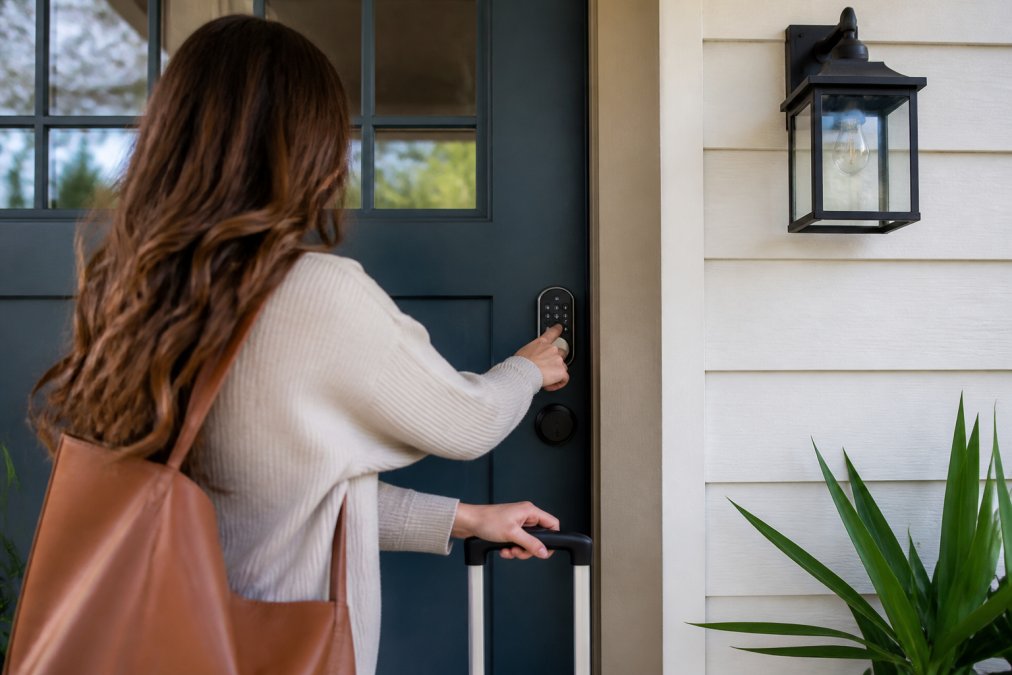
Keypad locks are physical locks with an electronic number pad mounted on the door. Your pre-arrival instructions include a temporary access code, usually 4-6 digits. You arrive, locate the keypad, enter your code, and the lock disengages.
Keypad locks require no app, smartphone, or Bluetooth, they work even if your phone is dead. This makes them popular for guests who aren't tech-savvy or prefer straightforward entry.
The code is temporary and active only during your stay. After checkout, it automatically deactivates. Common mistakes include entering the code too quickly (keypads require a brief pause between digits), pressing the lock button before the code is fully entered, or using a code from a previous property. If the keypad doesn't respond, try entering the code again slowly and check your confirmation email to verify the correct code.

Lockboxes and Physical Key Access
Lockboxes are small, weatherproof containers mounted near the property entrance containing the physical key. Your pre-arrival instructions include the combination. You arrive, open the lockbox, retrieve the key, unlock the front door, and return the key to the lockbox.
Lockboxes are reliable and require no electricity, app, or internet. They work everywhere, every time. For guests uncomfortable with technology, lockboxes feel familiar and straightforward.
The security concern: the combination is shared across guests and can be observed or guessed. Many properties rotate lockbox locations or change combinations between guests. Always return the key to the lockbox after entry and never leave it in the lock.
Check-In Kiosks
Check-in kiosks are small, standalone machines typically located in the property's entrance area or common lobby. You scan a QR code from your confirmation email, enter your reservation details, and the kiosk displays your access code or dispenses a key card. Some are fully automated; others connect to a remote property manager who verifies your identity.
Kiosks are common at larger properties, apartment-style rentals, or multi-unit properties. They add identity verification, the system confirms you're an authorized guest before granting access.
The limitation: kiosks require you to be physically present at the property. If the kiosk is broken, you'll need to contact management for alternative access.
Vacation Rental Check-In Instructions: What to Expect
Your pre-arrival communication will include everything you need for smooth check-in. Typically, you'll receive an email or app notification 24 hours before your scheduled arrival (aaa.com).
If your property uses a smart lock, the email includes a link to download the app, your login credentials, and instructions for using your digital key. If it's a keypad, you'll receive your temporary access code. If it's a lockbox, you'll get the combination. If it's a kiosk, you'll receive a QR code or reservation reference number.
The email also includes property-specific details: the exact location of the lock, WiFi network name and password, parking instructions, thermostat settings, and emergency contact information. Read this entire message before you arrive, don't save it for later. Most properties also include a digital house manual accessible through the app or email, covering how to operate appliances, adjust heating and cooling, and use other property-specific systems.
Troubleshooting Rental Access Codes
Access problems happen. Here's how to resolve the most common issues.
Keypad code not working: Verify you have the correct code from your confirmation email. Enter it slowly, pausing briefly between digits. Some keypads require you to press an "Enter" or "#" button after the code. If the code still doesn't work, try once more. If it fails a second time, call the property manager immediately, some systems lock after multiple failed attempts as a security measure.
Smart lock app won't load or connect: Ensure you have a stable internet connection or Bluetooth enabled. Close the app and reopen it. Restart your phone. If the app still won't load, try accessing the property's website directly. Call the property manager for backup access instructions.
Smart lock says "access denied": This usually means your digital key hasn't been activated yet or your reservation dates haven't started. Double-check that today is your check-in date. If it is, wait 15 minutes and try again. If it still doesn't work, contact the manager.
Lockbox combination doesn't work: Verify the combination from your confirmation email character by character. Enter it slowly, some lockboxes are sensitive to speed. If it still doesn't open, call the property manager immediately.
Kiosk is broken or not responding: Don't attempt to force it. Call the property manager and explain the situation. They can fix the kiosk remotely, provide an alternative access method, or meet you with a physical key.
You're locked out after entering: Check the pre-arrival instructions for that specific lock's code. Different locks within the same property may use different credentials. If you still can't access a room, contact the manager.
The golden rule: if you can't gain access within 10 minutes of trying, call the property manager. Don't spend an hour troubleshooting.
Security and Privacy Considerations
Self check-in is convenient, but it does introduce security considerations. Temporary access codes are shared with guests and expire after checkout. Digital keys exist on your phone and can be screenshot or shared. Lockbox combinations are visible to anyone standing nearby. These systems are designed with security measures to mitigate these risks.
Most property management systems limit access to specific dates and times. Your code or digital key only works during your reservation window (peer-reviewed research). After checkout, it automatically deactivates. Smart locks log every entry attempt and successful unlock, creating an audit trail that deters misuse. Keypad codes are typically changed between guests, limiting the window during which a code could be compromised.
For digital keys, only people added to your reservation receive access. Sharing your phone or digital key with someone not on the reservation is generally against rental agreements. Lockboxes are the least secure method because the combination is shared, but they're also the most transparent.
Privacy concerns center on data collection. When you use a smart lock app or digital check-in system, the property management company collects data about your arrival time and frequency of access. Most reputable companies have privacy policies explaining how they use this data (the FTC). Read the privacy policy before you book if this concerns you.
Benefits of Self Check-In for Your Stay
Self check-in offers several concrete advantages over traditional key handoff check-in. First, flexibility: you arrive on your schedule, not the property manager's. If you're delayed by traffic, you don't need to reschedule. If you arrive early, you can often request early access through the app.
Second, reduced coordination friction. No phone calls, no text messages, no waiting for responses. You receive your access credentials automatically.
Third, contactless arrival. Particularly valuable during travel seasons or when you prefer minimal interaction.
Fourth, extended access windows. Some properties allow check-in between 3 PM and 11 PM with self check-in, whereas traditional check-in might be limited to 4 PM to 6 PM.
Fifth, emergency access. If you're locked out or a lock fails, you have immediate recourse through the app or emergency contact line.
For properties like those offered by Homestay Getaway, self check-in is built into the reservation system. You book online, receive your access credentials automatically, and arrive whenever suits your schedule. This is especially valuable for families traveling to Colorado Springs with kids, you're not constrained by a narrow check-in window.
Self check-in transforms the arrival experience from a coordination task into a seamless, automated process. Whether you're using a smart lock, keypad, lockbox, or kiosk, you control your entry, not a schedule. At Homestay Getaway, every Colorado Springs vacation rental is equipped with modern self check-in systems designed specifically for families, groups, and pet owners who value convenience and flexibility. Reserve instantly and experience hassle-free arrival at your next Colorado adventure.
Frequently Asked Questions
Q: What happens if my self check-in code doesn't work?
A: If your access code fails, first verify you're entering it correctly and that the door is fully closed before trying again. Check your confirmation email or the property management app for the correct code and any updates. If the code still doesn't work, contact the property manager immediately through the rental platform or the emergency contact number provided in your pre-arrival instructions. Most hosts respond quickly to access issues, and many have backup entry methods available.
Q: Do I need an app to use self check-in?
A: Not always. While many properties use mobile apps for contactless arrival and digital keys, others rely on simple access codes, lockboxes, or keypad entry that require no app at all. Your pre-arrival instructions will specify which method applies to your rental. If an app is required, you'll typically receive a download link and setup instructions before your arrival date.
Q: How do I receive my access instructions for self check-in?
A: Access instructions are typically sent via email or through the property management system's guest portal 24 to 48 hours before your arrival. Check your confirmation email and spam folder for messages from the property manager or platform. Instructions usually include your access code, entry method, WiFi credentials, and emergency contact information. If you haven't received instructions by the day before arrival, contact the property manager directly to ensure you have everything needed for a smooth check-in.
Q: Are there specific times for self check-in?
A: Most vacation rentals with self check-in allow 24-hour access once your reservation begins, eliminating the need to coordinate arrival times with a host. However, some properties may have suggested check-in windows or quiet hours to respect neighbors. Your rental agreement and pre-arrival instructions will specify any timing guidelines. If you're arriving outside standard hours, confirm with the property manager in advance that your chosen arrival time works for their system.
This article was written using GrandRanker