Vacation Rental Self Check-In Guide 2026
Vacation rental self check-in: Set up secure self check-in for your vacation rental guests. Learn smart locks, digital keys, communication strategies, and.

Table of Contents
- What Is Vacation Rental Self Check-In and Why It Matters
- Smart Lock and Keypad Technology for Property Access
- Vacation Rental Check-In Automation Tools and Integration
- Guest Check-In Instruction Templates and Communication
- Short-Term Rental Arrival Best Practices and Setup
- Handling Guest Issues and Troubleshooting
- Legal and Insurance Compliance for Self Check-In
- Post-Check-In Guest Experience and Support
Last Updated: August 26, 2026
What Is Vacation Rental Self Check-In and Why It Matters
Vacation rental self check-in is the process of enabling guests to access a property independently, without requiring an in-person meeting with the host or property manager. Guests receive digital access instructions via smart locks, keypads, or mobile apps, allowing them to enter on their own schedule.
For property owners, self check-in eliminates scheduling conflicts, reduces no-shows, and frees up staff time. Guests appreciate the flexibility to arrive early, late, or during off-hours. This convenience has become a core expectation for modern travelers, especially those booking directly with properties like Homestay Getaway.
Implementing self check-in requires clear communication, reliable technology, security protocols, and backup plans. Properties that offer seamless arrivals consistently see higher guest satisfaction and repeat bookings.
Smart Lock and Keypad Technology for Property Access
Smart Locks vs. Keypads vs. Lockboxes
Three primary access methods dominate the market.
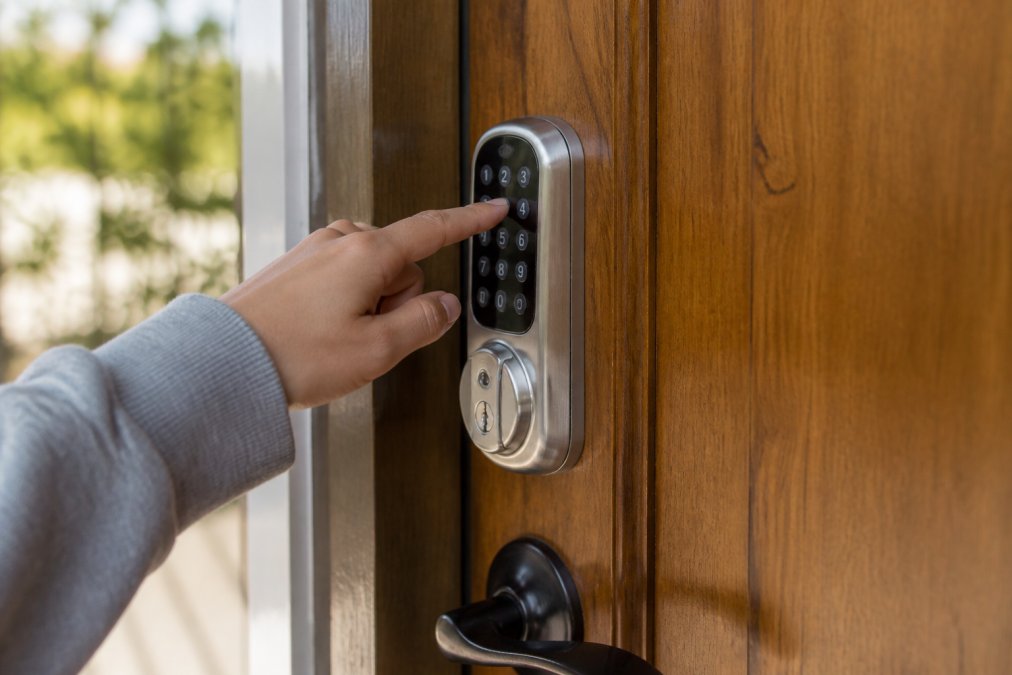
Smart locks (Bluetooth or WiFi-enabled) allow guests to unlock doors via smartphone app or temporary digital key. They offer seamless experiences with no codes to forget, and integrate directly with property management software. The downside: they require reliable internet, battery maintenance, and mobile app familiarity.
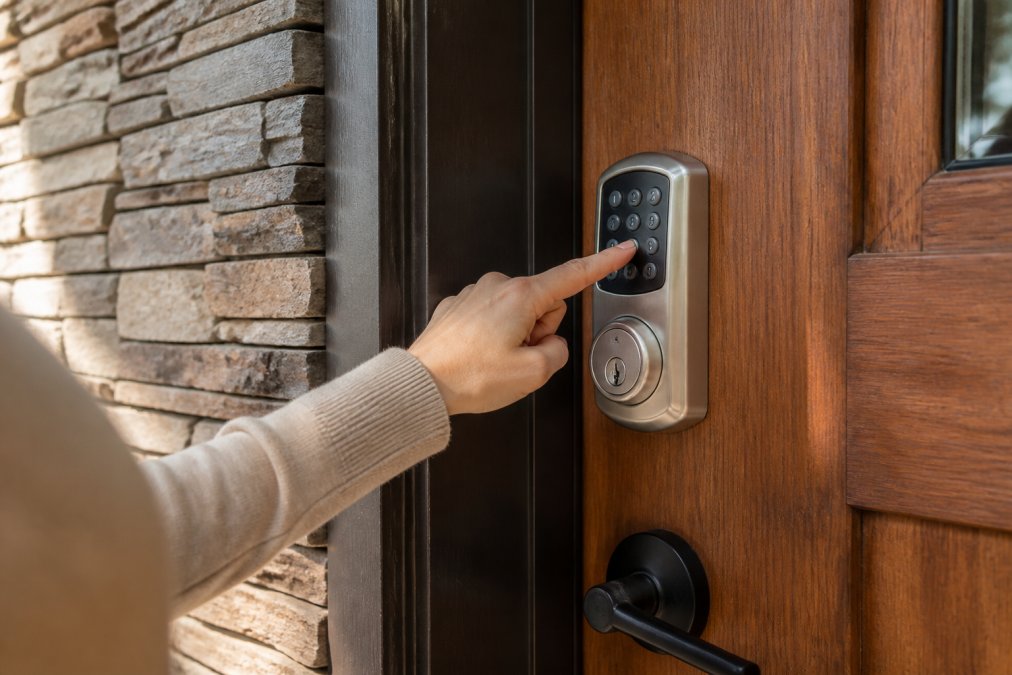
Keypads (PIN-code entry) remain the most widely adopted solution. Guests enter a unique code to unlock the door. Installation is straightforward and maintenance minimal, but security is lower, codes can be shared or forgotten. They don't integrate as cleanly with reservation systems, requiring manual code creation between guests.
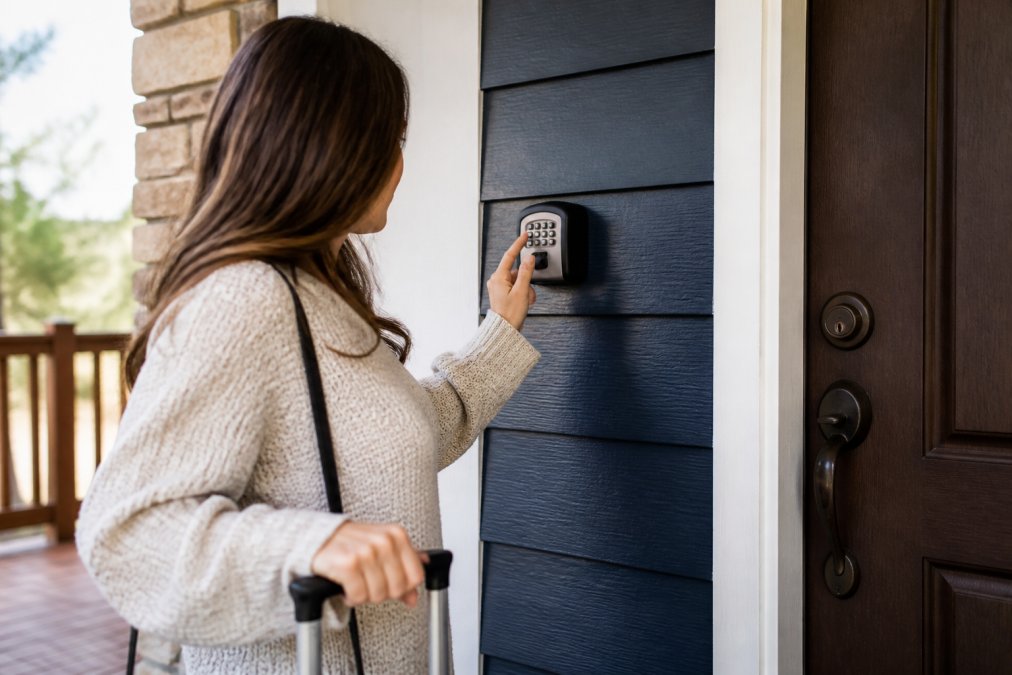
Lockboxes (weatherproof containers holding physical keys) serve as low-tech backups. They're inexpensive and reliable but offer minimal security. Most properties use them as backup only.
For most operators, a hybrid approach works best: a primary smart lock or keypad for regular guests, with a secure lockbox as backup for emergencies.
Security and Identity Verification Best Practices
Without face-to-face meetings, verify that arriving guests are actually your guests.
Send a confirmation email 48 hours before check-in with the guest's name, photo, and confirmation details (the American Dental Association). Request that guests reply confirming arrival time. This creates a paper trail and flags anything unusual.
Many property management systems now include identity verification features, asking guests to submit photo ID during booking or requesting a selfie before check-in. For high-value properties, this step is worth the conversion impact.
Security cameras at entry points deter unauthorized access and create documentation for disputes. Clearly disclose camera locations in house rules and check-in instructions.
Consider requiring a damage deposit or credit card authorization at booking. This creates financial accountability and deters problematic guests before arrival.
Vacation Rental Check-In Automation Tools and Integration
Check-in automation tools connect your reservation system, access control, and guest communication into a single workflow. When a booking is confirmed, the system automatically generates access codes, schedules smart lock permissions, and sends check-in instructions.
Integration with property management software (PMS) like Hostaway or Guesty is the key differentiator. When a guest books on any platform, your website, Airbnb, Booking.com, or VRBO, the system automatically provisions access.
Automation reduces errors and scales efficiently. Real-time notifications alert you when guests use access codes or when invalid codes are entered multiple times, creating a security layer and enabling real-time troubleshooting.
Guest Check-In Instruction Templates and Communication
What to Include in Your Check-In Instructions
Clear, comprehensive instructions are foundational to successful self check-in.
Start with essentials: property address, WiFi credentials, and primary access method. Include step-by-step instructions for using the smart lock or keypad. Add parking details with photos if possible, house rules (quiet hours, guest limits, pet policies), and emergency contacts. Include WiFi troubleshooting and basic smart home device instructions. Add local information: directions to attractions, restaurant recommendations, and public transportation details.
Timing and Delivery of Instructions
Send detailed instructions 48 hours before check-in, giving guests time to ask questions. Send a brief reminder 24 hours before arrival, and a final reminder 2-4 hours before expected check-in.
Email is standard, but text message works better for time-sensitive reminders. Use multiple channels: booking platform, email, and text to ensure nothing gets missed.
Short-Term Rental Arrival Best Practices and Setup
Step-by-Step Setup Process
Step 1: Choose your access method. Evaluate your property's door type, WiFi reliability, and guest demographics.
Step 2: Install and configure access hardware. Ensure professional installation and test every access code before guests arrive.
Step 3: Select a property management system. Choose a PMS that integrates with your access control method and supports your reservation channels.
Step 4: Create standardized check-in instructions. Write clear, step-by-step instructions specific to your property. Have someone unfamiliar with it read and follow them.
Step 5: Set up automation workflows. Create workflows that trigger check-in instruction delivery automatically when bookings are confirmed.
Step 6: Test end-to-end. Make a test booking and verify that instructions arrive, access works, and notifications trigger correctly.
Step 7: Monitor and iterate. Review guest feedback after initial bookings and refine your process accordingly.
Accessibility for Non-Tech-Savvy Guests
Offer alternatives without making them feel like second-class options. Include a note in your listing: "Not comfortable with digital access? Call us anytime, and we'll arrange a key pickup or meet you at the property."
Provide video walkthroughs alongside written instructions. A 60-second video showing exactly how to use the keypad or smart lock is often clearer than paragraphs of text.
For guests who contact you before arrival, offer a phone call walkthrough. Include a physical backup keybox in a secure location documented in check-in instructions.
Handling Guest Issues and Troubleshooting
Create a troubleshooting guide for common issues. Set up 24/7 support or chat systems so guests arriving outside business hours can get immediate help.
For critical failures, have a protocol: remote unlock capability, local handyman on call, or nearby key pickup arrangements.
Track recurring issues. If the smart lock fails regularly, it needs maintenance or replacement. If guests frequently forget codes, try sending access via text instead of email. Use feedback to identify and fix systemic problems.
Legal and Insurance Compliance for Self Check-In
Liability and access logs. Maintain detailed records of who accessed your property and when. Retain logs for at least one year.
Privacy and surveillance. Disclose camera locations clearly in your listing and house rules. Recording audio without consent is illegal in many jurisdictions (eff.org).
Rental agreements and house rules. Include explicit language about self check-in, access codes, and security expectations. State that guests must not share codes with unauthorized people.
Insurance notification. Inform your property insurance provider that you use self check-in. Some policies require specific security measures for unattended properties.
Local regulations. Check with your local government or a property attorney to ensure compliance. Regulations vary significantly by location.
Post-Check-In Guest Experience and Support
Send a welcome message within 30 minutes of check-in confirming successful arrival and opening the door for questions.
Proactively address common questions by including a FAQ in your check-in packet covering WiFi troubleshooting, thermostat operation, parking, and local recommendations.
Respond to guest messages within 2 hours during business hours and within 4 hours outside business hours (airbnb.com). For emergencies like broken appliances or heating failures, prioritize speed.
Collect feedback actively. Send a brief survey 24 hours after check-in asking about the check-in experience specifically. Use this data to refine your process.
Properties offering seamless self check-in combined with responsive post-arrival support often see higher guest satisfaction scores than those relying on traditional check-in methods.
Self check-in has become essential for modern vacation rentals. Guests expect frictionless arrivals, and properties that deliver capture bookings and loyalty. The technology is straightforward and reliable. The real opportunity lies in combining that technology with clear communication, responsive support, and genuine attention to guest experience. When you get self check-in right, you create the foundation for positive guest relationships that drive repeat bookings and strong reviews. Properties like those offered through Homestay Getaway demonstrate how thoughtful self check-in implementation, paired with spacious layouts, modern amenities, and direct booking advantages, creates the kind of vacation experience guests return for. Start with reliable access technology, invest in clear instructions, and commit to responsive support.
Frequently Asked Questions
How does vacation rental self check-in actually work?
Self check-in allows guests to access your property without meeting you in person. You provide digital access through a smart lock, keypad, or digital key sent via smartphone app. Guests receive check-in instructions via email or text with the access code or link. They arrive at their scheduled time, use the provided method to unlock the door, and enter. Real-time notifications can alert you when they arrive. This eliminates the need for key handoffs and gives guests flexibility in their arrival time.
What vacation rental check-in automation tools integrate with booking platforms?
Most modern property management software (PMS) platforms integrate with smart lock systems and messaging tools. Popular options connect directly to your reservation management system, automatically sending check-in codes and instructions when a booking is confirmed. These tools sync guest arrival times, send real-time notifications, and allow you to manage access remotely. Integration capabilities depend on which booking platform and PMS you use, verify compatibility before purchasing any system to ensure seamless automation.
What should guest check-in instruction templates include?
Your templates should cover: the exact access method (code, app, or key location), step-by-step unlock instructions with screenshots if needed, WiFi network name and password, parking details, house rules, emergency contact information, and troubleshooting steps for common issues like forgotten codes or app problems. Include local attraction information and directions to nearby services. Provide instructions in multiple formats, text, email, and a PDF document, to accommodate different guest preferences and technical comfort levels.
How can I ensure security with self check-in?
Use identity verification during the booking process to confirm guest identity before providing access codes. Smart locks with audit trails record every entry and time. Change access codes between guests or use single-use digital keys. Require a valid ID at booking and cross-reference with guest reviews. Disable codes immediately after checkout. Install security cameras in common areas (disclose this in your listing). Consider requiring a security deposit for guests with limited review history. Combine these measures to balance guest convenience with property security.
This article was written using GrandRanker