How to Verify Vacation Rental Photos: A Complete Guide
Learn how to verify vacation rental photos before booking. Use reverse image search, check for red flags, and spot AI-generated images. Stay safe.

Table of Contents
- Why Verifying Vacation Rental Photos Matters
- How to Use Reverse Image Search for Rental Listings
- Spot Vacation Rental Scam Red Flags in Photos
- Verify Property Details Through Cross-Referencing
- Questions to Ask Vacation Rental Hosts
- Detect AI-Generated and Manipulated Images
- Create Your Property Verification Checklist
- Conclusion
Last Updated: August 25, 2026
Why Verifying Vacation Rental Photos Matters
Vacation rental listings can look perfect online, but reality often differs. The bedroom is smaller than expected. The "ocean view" is actually a distant sliver. The game room mentioned doesn't exist. Hosts sometimes use outdated photos, stock photography, manipulated images, or stolen photos from other listings entirely.
Homestay Getaway provides this guide to help you verify vacation rental photos before booking. Learning to spot fake, manipulated, or misleading images protects you from disappointment and financial loss. You don't need to be a photography expert, a few straightforward techniques reveal whether a listing's photos are authentic.
How to Use Reverse Image Search for Rental Listings
Reverse image search allows you to search the internet using a photo instead of words, revealing whether that image appears elsewhere online.
Step 1: Capture or Download the Listing Photo
Save 3-5 listing photos from different parts of the property, focusing on distinctive features like the bedroom, kitchen, and outdoor spaces. Right-click and select "Save image," or use your browser's download feature. On mobile, take a screenshot or use the platform's built-in save function. The clearer and more detailed the photo, the better your results.
Step 2: Upload to Google Images or TinEye
Google Images and TinEye are the most effective reverse image search tools. Google Images is free and integrated into your browser. TinEye, available at TinEye's reverse image search platform, specializes in finding where images appear online.
For Google Images, go to images.google.com, click the camera icon, and upload your photo. For TinEye, visit their website and click the upload button. Both tools display results showing where that image appears on the internet.
Step 3: Review Search Results for Duplicates
If the same photo appears on multiple vacation rental listings with different property names or locations, that's a major warning sign. The host may be using photos from other properties or stock photography sites.
Pay attention to image sources. Photos appearing on Unsplash, Pexels, or Pixabay aren't original to the property. If the same image shows up on competing listings, the current host didn't take it themselves. Also check dates, photos circulating for years may be outdated or unrepresentative of current property condition.

Spot Vacation Rental Scam Red Flags in Photos
Certain visual patterns consistently appear in deceptive listings.
Stock Photography and Reused Images
Stock photos are generic images created for commercial use. They often show perfectly styled spaces that don't exist in real rental properties. Common stock photo sites include Unsplash, Pexels, Pixabay, and Shutterstock. If reverse search reveals a listing photo on these sites, the host isn't showing their actual property.
Reused images present another problem. A dishonest host might use photos from a competitor's listing or previous property. When the same photo appears across multiple listings, something is wrong. Legitimate hosts photograph their own properties with unique angles and lighting specific to their space.
Inconsistent Property Details Across Photos
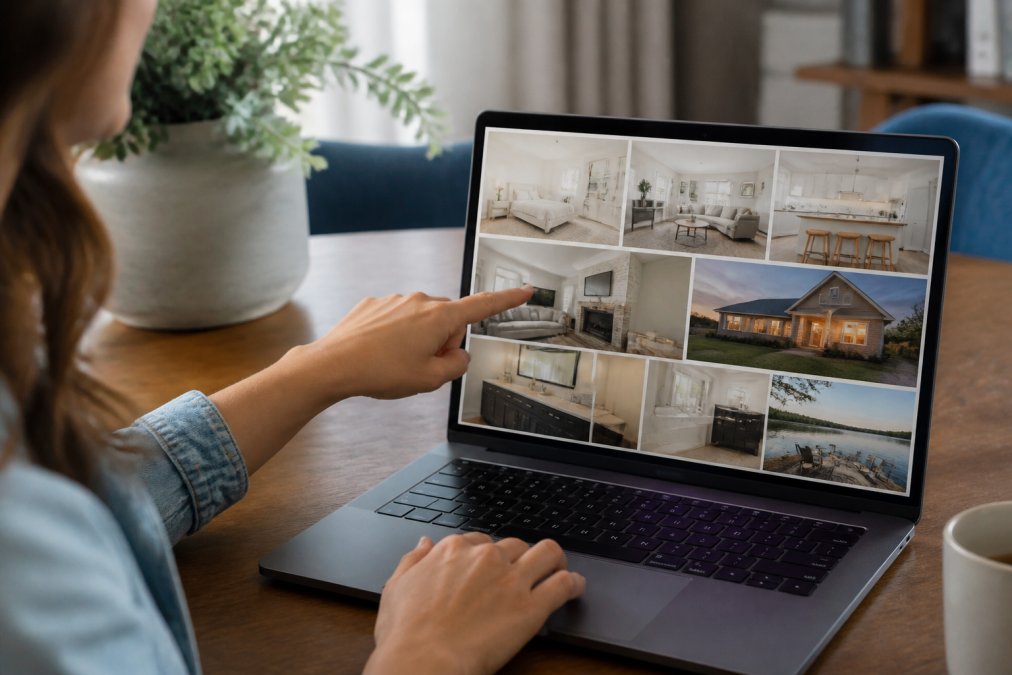
A legitimate listing shows the same property from different angles. Inconsistent details suggest photos from different sources or manipulation. Look for different wall colors in the same room, furniture that appears and disappears, flooring that changes style, architectural features in different locations, or lighting inconsistent with the same time of day. These inconsistencies indicate the host pieced together photos from multiple sources.
Overly Edited or Unrealistic Images
Professional photo editing can enhance images legitimately. However, extreme editing that makes spaces look dramatically different from reality is a red flag. Watch for impossibly clean spaces, unnaturally vibrant colors, or unrealistic lighting. Some hosts use filters that distort proportions, making small spaces appear larger.
Compare photos from the same listing. If some images look dramatically different in color tone, brightness, or style, they likely come from different sources or have been edited inconsistently.
Verify Property Details Through Cross-Referencing
Cross-referencing listing photos with independent sources helps verify authenticity.
Match Photos to Google Maps and Street View
Google Maps Street View shows real photographs of properties. Search for the property address and use Street View to see the exterior. Compare the front entrance, architectural style, landscaping, and neighboring buildings to listing photos. A legitimate listing will show a property matching Street View.
Street View images may be older than current listing photos, so don't expect perfect matches. However, fundamental features should align. If the listing shows a modern house with large windows and Street View shows an older property with small windows, something is wrong. Also verify nearby landmarks and street signs match what's shown in listing photos.
Check Amenity Claims Against Visual Evidence
Hosts highlight specific amenities: a private yard, game room, modern kitchen, fireplace, or pet-friendly features. Photos should provide clear visual evidence. If the listing emphasizes a large private yard but shows only a small patio, that's a discrepancy. If amenities like a hot tub or pool are mentioned but absent from photos, ask the host for additional images before booking.
Questions to Ask Vacation Rental Hosts
Direct communication with hosts clarifies ambiguities and reveals responsiveness and honesty.
When were the listing photos taken? Recent photos are more reliable. If photos are several years old, ask for updated images. Are all photos of your actual property? This straightforward question sometimes gets evasive answers from hosts using stock photos. Can you provide additional photos of specific areas like bedrooms, bathrooms, and advertised amenities? If a host refuses, that's a warning sign. Have you made renovations since these photos were taken? Honest hosts disclose updates. How far is the property from [specific local attraction]? This tests whether the host knows their property's location. Can you provide references from recent guests? Legitimate hosts have positive feedback from recent visitors.
Detect AI-Generated and Manipulated Images
As artificial intelligence advances, AI-generated images are becoming more convincing. These synthetic images look photorealistic but don't show actual properties.
Analyze EXIF Data and Metadata
EXIF data is information embedded in digital photos including camera type, date taken, GPS location, and other technical details (peer-reviewed research). Legitimate vacation rental photos contain this metadata. AI-generated or heavily manipulated images often lack proper EXIF data or contain inconsistent information.
Tools like Jeffrey's Exif Viewer allow you to examine photo metadata. Upload a listing photo and review the information. If EXIF data shows a camera model, date, and location matching the property and listing date, that's a positive sign. Missing metadata warrants further investigation.
Look for Common AI Image Artifacts
AI-generated images often contain subtle visual errors. Hands frequently appear distorted or have the wrong number of digits. Text often appears garbled or nonsensical. Reflections and shadows sometimes don't align correctly with light sources. Edges between objects may appear soft or blurred instead of sharp and defined. Eyes in photos with people often appear slightly off or have an unusual quality.
Create Your Property Verification Checklist
Use this checklist before booking any vacation rental.
| Verification Step | What to Check | Status |
|---|---|---|
| Reverse image search | Upload 3-5 photos to Google Images or TinEye | ☐ Complete |
| Stock photo check | Confirm photos don't appear on stock photo sites | ☐ Complete |
| Consistency review | Verify details match across all photos | ☐ Complete |
| Google Maps verification | Compare listing photos to Street View | ☐ Complete |
| Amenity confirmation | Check that advertised amenities appear in photos | ☐ Complete |
| Host communication | Ask about photo dates and get additional images | ☐ Complete |
| Metadata analysis | Review EXIF data for consistency | ☐ Complete |
| AI artifact check | Examine photos for signs of manipulation or generation | ☐ Complete |
| Guest reviews | Read recent reviews mentioning accuracy of listing photos | ☐ Complete |
| Final decision | Proceed with booking or request more information | ☐ Complete |
Work through this checklist methodically. One or two significant issues warrant either requesting clarification from the host or choosing a different property.
Conclusion
Verifying vacation rental photos protects your family's vacation investment and prevents costly disappointment. By using reverse image search, spotting red flags, cross-referencing with independent sources, and asking direct questions, you can confidently distinguish authentic listings from misleading ones.
When you're ready to book, consider working with trusted providers like Homestay Getaway, which offers premium family-friendly vacation rentals in Colorado Springs with transparent, current photography and direct booking convenience. Our properties feature spacious layouts, modern amenities like fast WiFi, private yards, and game rooms, all verified through recent photos and guest reviews. Reserve instantly and enjoy the peace of mind that comes with booking directly from a property owner committed to honest representation.
Frequently Asked Questions
How can I tell if a vacation rental listing is a scam?
Start by running the listing photos through reverse image search tools like Google Images or TinEye to check for duplicates posted elsewhere. Look for inconsistencies between photos, mismatched wall colors, different furniture in the same room, or amenities that appear in some images but not others. Check the property location on Google Maps and Street View to confirm it matches the listing. Scammers often use stock photography or photos from other properties. Ask the host direct questions about specific details in the photos, and request recent guest reviews or video tours. Legitimate hosts respond quickly with detailed answers and welcome verification requests.
Can I use reverse image search to verify vacation rental photos?
Yes, reverse image search is one of the most effective verification tools. Download or take a screenshot of the listing photo, then upload it to Google Images or TinEye. If the same photo appears on multiple listing sites for different properties or addresses, the listing is likely fraudulent. Legitimate rental properties may appear on multiple platforms (like Airbnb and VRBO), but the photos should be consistent with the same property address. If a photo appears on stock photography websites like Shutterstock or Getty Images, the host is using fake images. This technique takes only a few minutes per listing and catches most common scams.
What questions should I ask a vacation rental host to verify the property?
Ask specific questions about details visible in the photos: 'What color is the kitchen backsplash?' or 'How many steps lead to the front porch?' Request clarification on amenities, ask about WiFi speed, parking details, or yard fencing. Request recent guest reviews or video tours. Ask about house rules, cancellation policies, and emergency contact procedures. Legitimate hosts answer promptly and provide detailed responses. Ask how they handle maintenance issues that arise during your stay, this reveals their professionalism and responsiveness. Scammers often give vague answers or become unresponsive when asked specific questions about the property.
How do I spot AI-generated images in vacation rental listings?
AI-generated images often contain subtle but telltale errors: distorted door handles, warped walls, inconsistent lighting, or strange reflections in mirrors. Look closely at text on signs or appliances, AI frequently renders text incorrectly or makes it illegible. Check hands and fingers in photos with people, AI struggles with these details. Examine the background for logical inconsistencies, like windows that don't align with the room layout. Use reverse image search to verify the photo exists elsewhere. Download the image and check its EXIF metadata using tools like Jeffrey's Exif Viewer, AI-generated images often have missing or suspicious metadata. If multiple photos look unusually perfect or have an overly polished, artificial quality, request additional recent photos taken by the host.
This article was written using GrandRanker